Your invoices and receipts for Jetwriter AI (formerly ChatGPT Writer) are on your billing page: go to jetwriter.ai/dashboard, click Manage Billing, and open any invoice listed there to download it or its receipt. On the same page you can add your company name, billing address and tax ID, which then show on the invoices issued after that. On a team, only the team's owner can open the billing page.
Download an invoice or receipt
- Go to jetwriter.ai/dashboard on a computer or phone, and sign in with the email address you pay with.
- Under Current Plan, click Manage Billing (1). A billing page from Stripe, the company that handles our payments, opens.
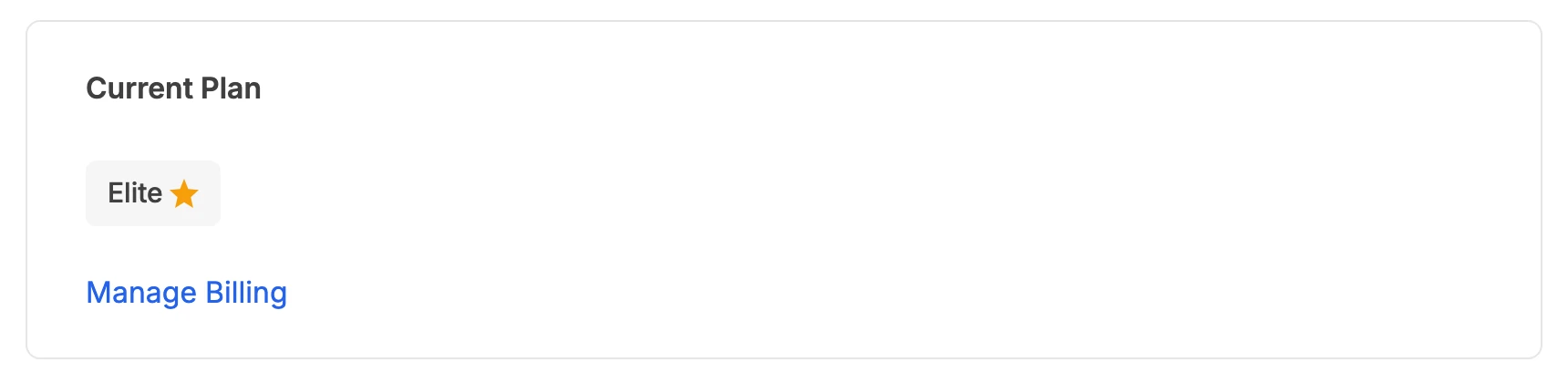
Manage Billing, under your plan on the account page, opens the billing page with all your invoices.
- Manage Billing
- Scroll to Invoice history, where every payment is listed with its date and amount, and click the one you want.
- On the invoice page that opens, click Download invoice or Download receipt. Each downloads as a PDF.
Your invoices stay on the billing page after you cancel, so you can still download them later.
Add your company name, address or tax ID
- Go to jetwriter.ai/dashboard, signed in with the email address you pay with.
- Under Current Plan, click Manage Billing.
- On the billing page, click Update information, under your billing information.
- Enter your company's name, billing address, phone number or tax ID, and save.
New details show on invoices issued after you save them. Invoices already issued keep the details they had when they were issued.
The email address on the billing page is the one your billing uses. Changing it there doesn't change the email you sign in to Jetwriter with.
If you're on a team
Only the team's owner sees Manage Billing and gets the team's invoices. If you're a member, ask your team's owner. A team's invoice is for all its members, and adding a member makes a separate invoice for the rest of the current period.
If you don't see Manage Billing
- You're signed in with another email: sign in with the one you pay with. See You paid, but your account still shows Free.
- You're a member of a team: the team's owner has the invoices.
- You can't sign in, or don't know which email you paid with: email support@jetwriter.ai with the date and amount of the charge. Charges show on card statements as JETWRITER.AI; older ones may say CHATGPT WRITER.