To cancel your Jetwriter AI subscription (formerly ChatGPT Writer), go to your account page at jetwriter.ai/dashboard, click Manage Billing, then Cancel subscription on the billing page that opens. Your plan keeps working until the end of the period you've already paid for. After that your account moves to the Free plan and you aren't charged again.
Removing the extension doesn't cancel your subscription. It isn't billed through Chrome, the Chrome Web Store, Apple or Google Play either, so it can only be cancelled from your Jetwriter account.
Cancel from your account page
- Go to jetwriter.ai/dashboard on a computer or phone, and sign in with the email address you pay with.
- Under Current Plan, click Manage Billing (1). A billing page from Stripe, the company that handles our payments, opens.
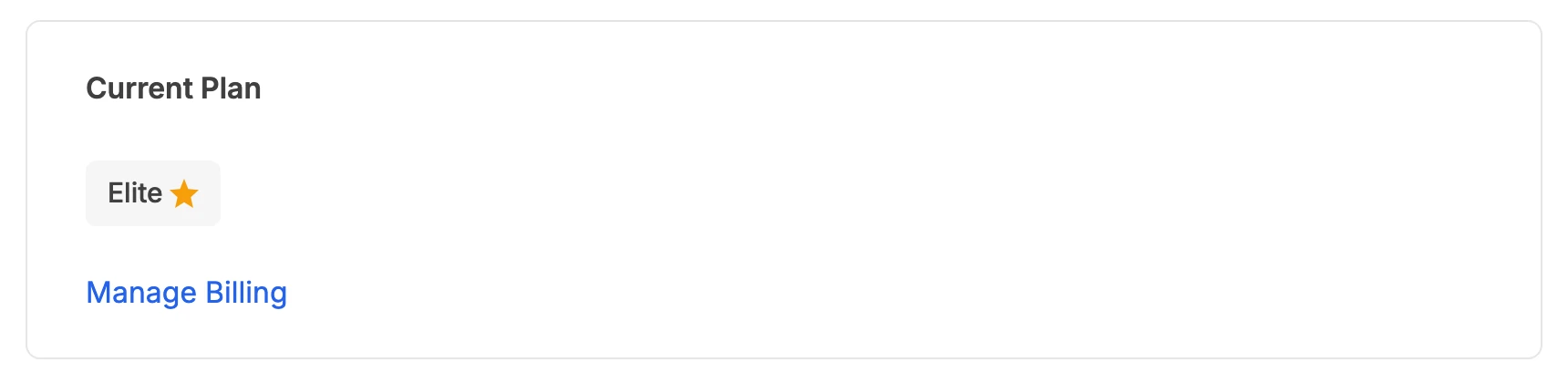
Manage Billing, under your plan on the account page, opens the billing page where you cancel.
- Manage Billing
- Click Cancel subscription.
- Stripe asks "Could you tell us why you're leaving?". Picking a reason is optional. Click Continue to cancellation.
- Stripe shows the date your plan stays active until. Click Cancel subscription to confirm.
What happens after you cancel
- Until the end of the period you paid for, monthly or yearly, your plan works as before.
- You aren't charged again. The time left isn't refunded. Refunds are only for a first payment, asked for within 2 days of it: see the refund policy.
- Then your account moves to the Free plan, with 15 AI responses a month. Your account stays, so you can sign in and upgrade again at any time.
- Changed your mind? Before the end date, open Manage Billing again to undo the cancellation.
If you're on a team
Only the team's owner can cancel a team plan: members don't see Manage Billing. If you're a member, ask your team's owner.
If you can't sign in, or don't know which email you paid with
Email support@jetwriter.ai and include the email address on your receipt, or the date and amount of the charge. We'll find the subscription and cancel it for you. Charges show on card statements as JETWRITER.AI; older ones may say CHATGPT WRITER.