Let's be real. If you are a founder, you don't just run a company. You are the sales team, the marketing head, and the office admin. You probably even order the office snacks. You are wearing way too many hats.
Then there is your browser.
Look at the top of your screen. Lets be honest, how many tabs are open right now? Probably too many to count. You click on one tab to do some work, get distracted, and forget why you went there in the first place. It is a mess.
But there is a simple fix. You can use Chrome extensions.
Think of these as "micro-tools." They live inside your browser toolbar. They handle the boring tasks for you, like writing emails or scheduling calls. The best part? You don't have to leave your current tab. They just work.
We have picked the top 8 Chrome extensions for you. These tools cover everything from writing and scheduling to sales and analytics. Let’s dive in.
Top Chrome Extensions for Founders and Entrepreneurs
Jetwriter AI
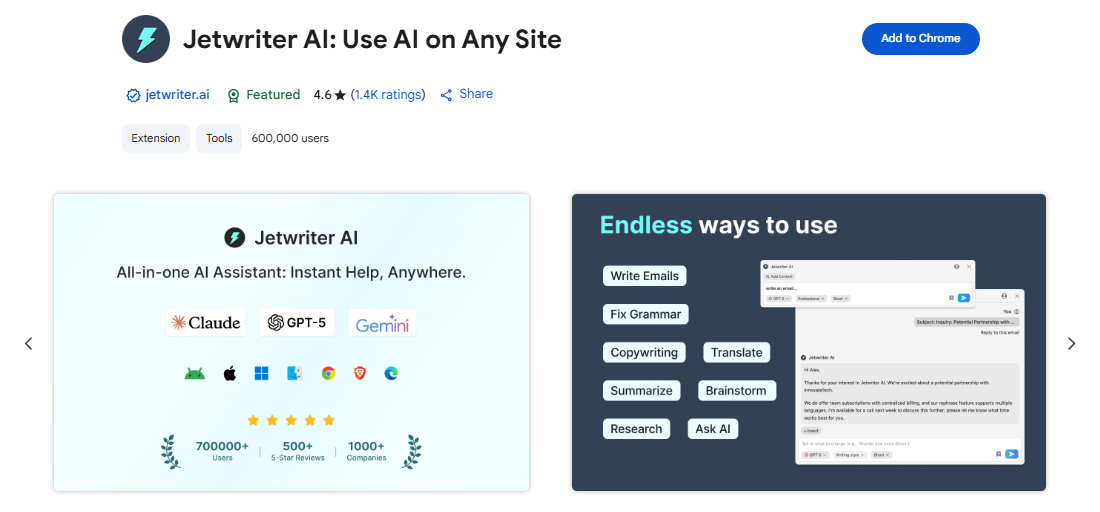
It is a smart writing assistant that lives right inside your browser. It is not just a simple spell checker that fixes typos. It is much smarter. It reads and understands the email or message you are looking at, and then writes the perfect response for you in seconds. It works seamlessly everywhere you work, whether you are replying to emails in Gmail and Outlook, networking on LinkedIn, or solving tickets in Freshdesk and Zendesk.
Key Features
-
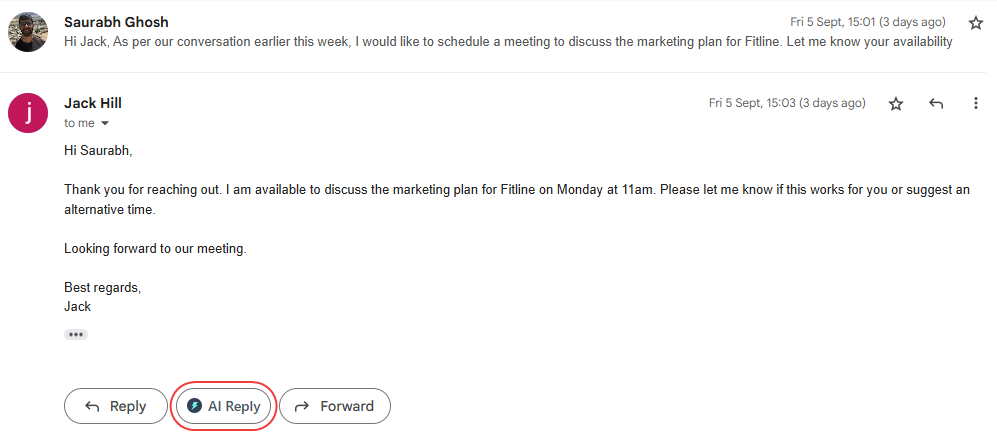
Smart Context-Aware Replies: It reads your email (on Gmail and Outlook), LinkedIn message, or support ticket (on Freshdesk or Zendesk) to understand the full context. Then, it writes a relevant reply instantly. You don't have to explain what was said; it just knows. And the best part? You don't need to write a perfect, long prompt to make it work. You can just give a simple instruction like "Say thanks and agree" or "Polite decline," and it handles the rest. You can also set the Tone (like Professional or Friendly) and Length (Short or Long) upfront, so the draft comes out exactly how you want it the first time.
-
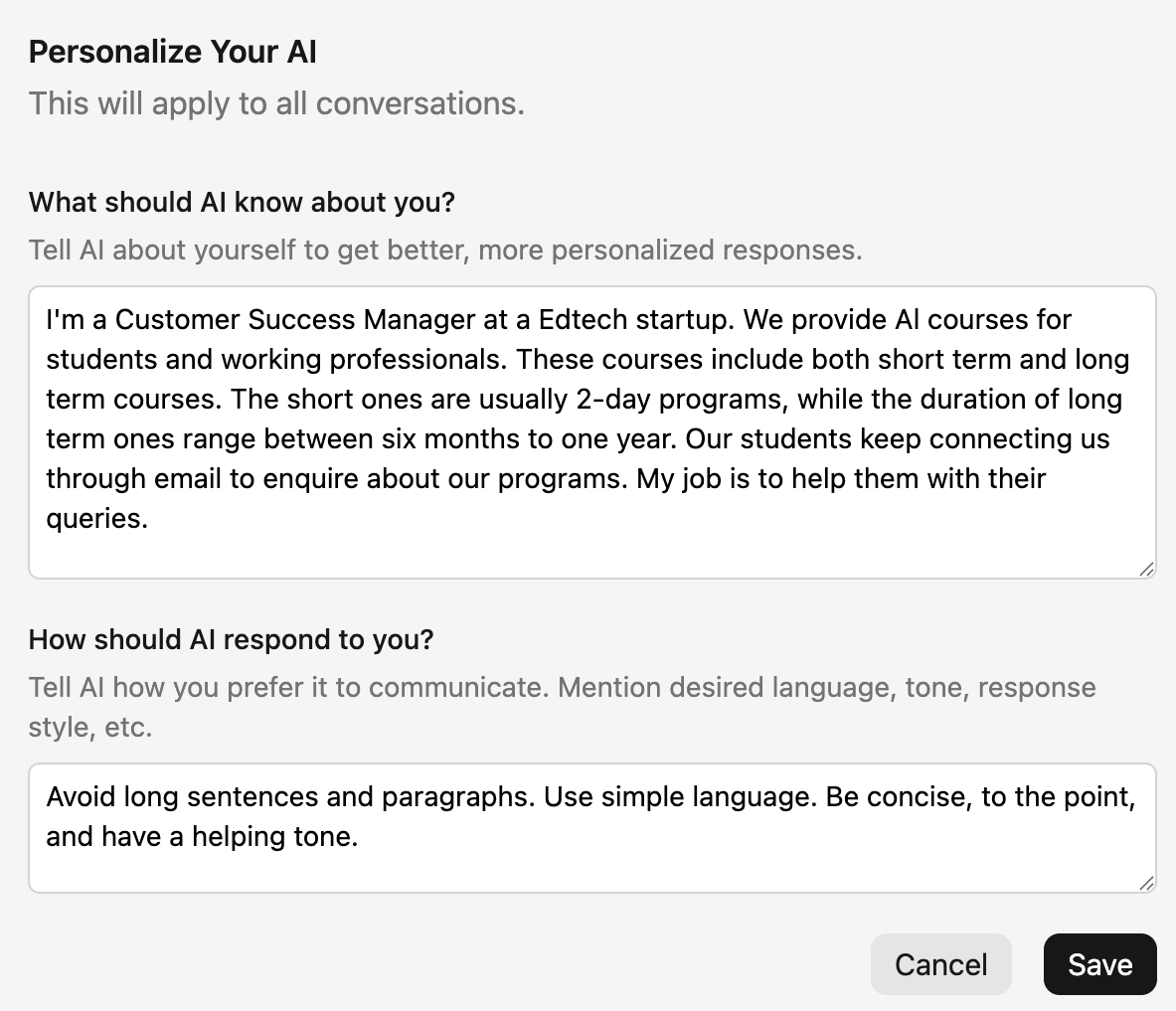
Personalize AI: Most AI tools sound robotic and boring. They don't sound like you. But with Jetwriter, you can teach the AI exactly who you are. You tell it your job title, your industry, and your company details. It uses this info to write messages that sound like they actually came from you.
-
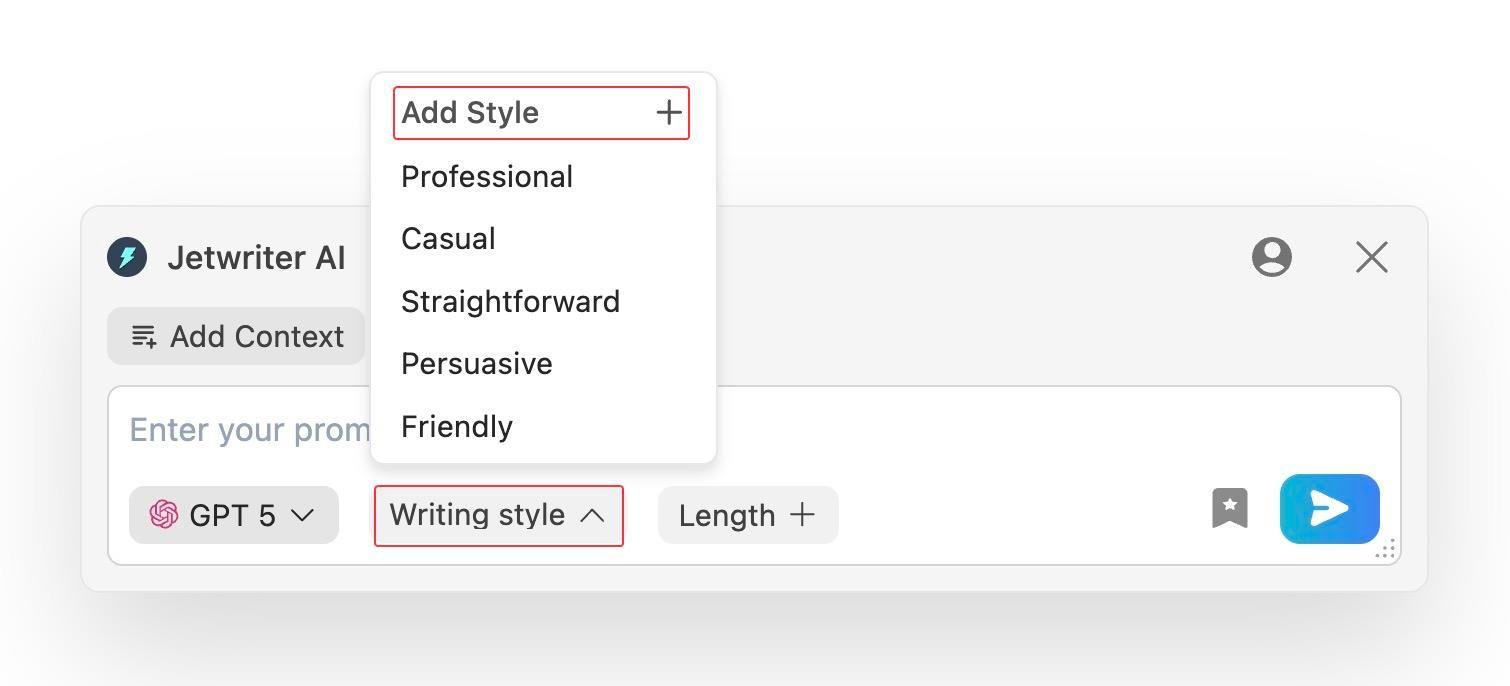
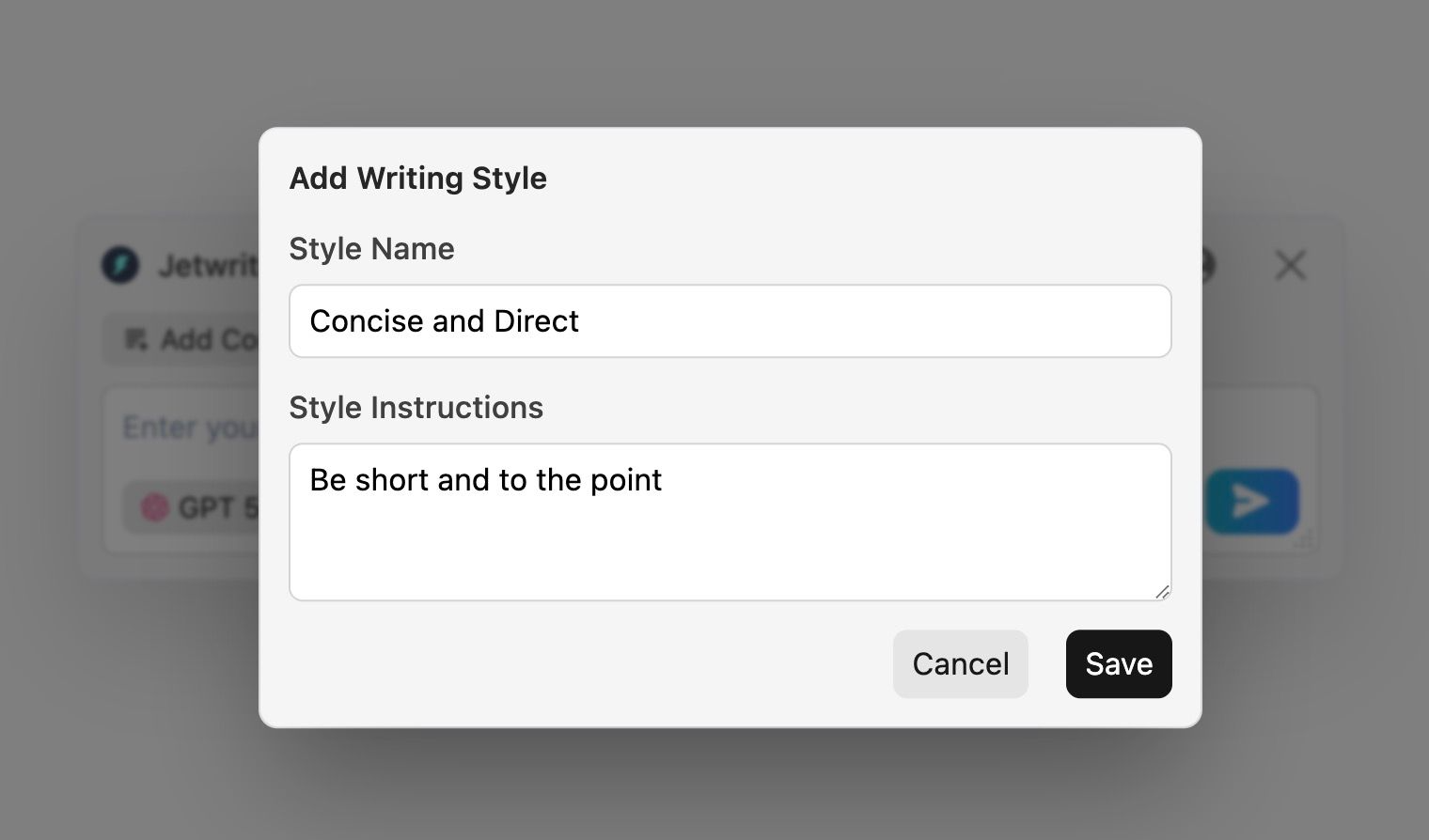
Custom Writing Styles: You don't talk to your best friend the same way you talk to your manager. Jetwriter lets you create specific styles for different situations. You can save a "Formal" style for big clients or a "Friendly" style for team updates, and switch between them with one click.
-
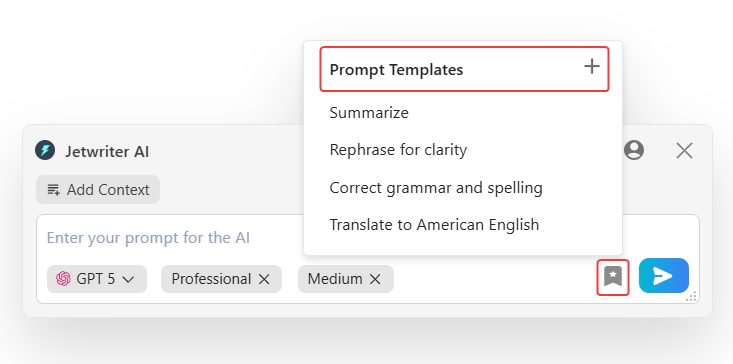
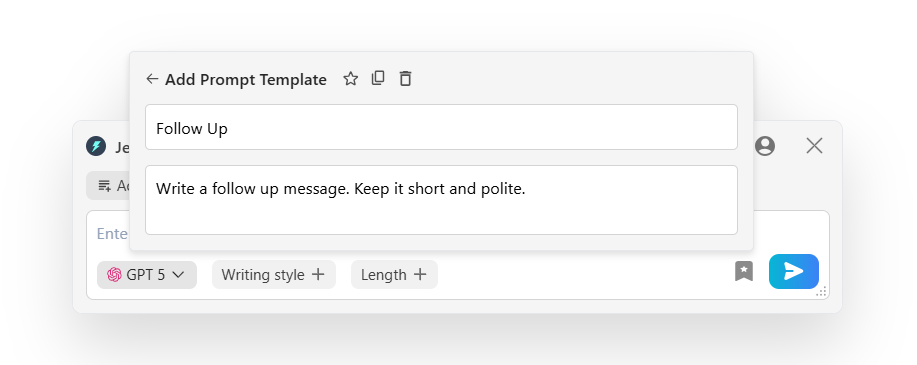
Save Prompt Templates: Do you send the same "Follow up" or "Thank you" email ten times a day? Stop typing them out. You can save your favorite commands as templates. Next time, just click the button, and the AI does the rest. It is a huge time-saver.
-
Quick Actions Toolbar: Imagine having a helper which follows you everywhere. When you select any text on any website, a magic toolbar pops up. You don't need to copy and paste text into another tab anymore. You can instantly fix grammar mistakes, rewrite a clunky sentence, translate text, or summarize a long paragraph right there. It keeps your workflow smooth and completely uninterrupted.
-
Chat with Page: Sometimes you just don't have the time (or energy) to read a 20-page article or a massive report. With this feature, you can "chat" with the webpage. Just ask Jetwriter to give you a summary, list the key points, or find a specific fact. It reads the whole page and gives you the desired answer.
-
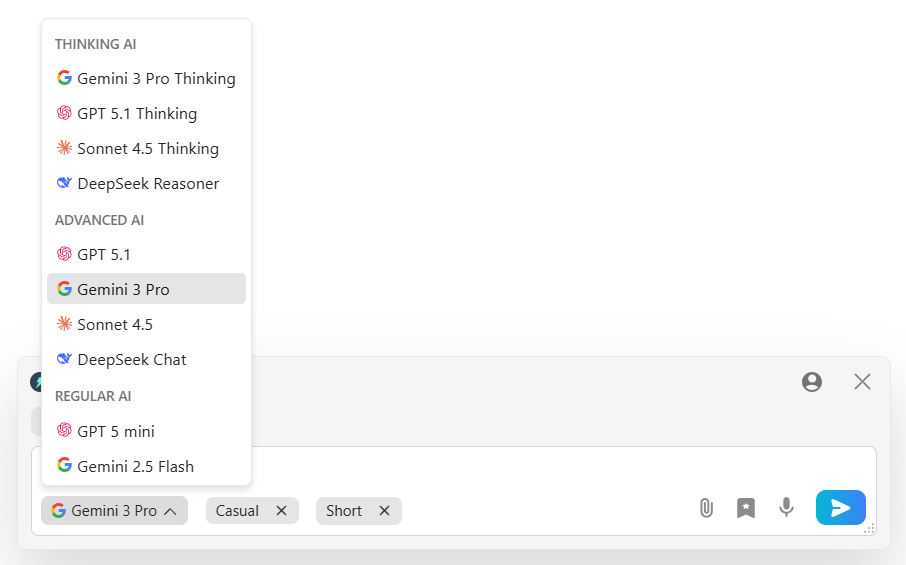
Multi-Model Support, Lightweight & Privacy Focused: Speed and privacy are super important. Jetwriter is built to be lightweight ( less than 1MB), so it won't slow down your browser. It also gives you the power of choice by supporting multiple top AI models (GPT 5.1, Gemini 3, Claude) to ensure you get the smartest answers. Plus, it is designed with privacy in mind, it never uses your emails or messages to train its AI.
Pricing
You can start using Jetwriter AI for free. If you use it often, there are affordable paid plans available. You can even plug in your own API key.
Get the Extension
Ready to make your writing faster and easier? You can get the Jetwriter AI extension from the Chrome Web Store.
Calendly
Scheduling meetings is a pain. You send an email suggesting a time. They say no. You suggest another time. It takes forever.
Calendly stops this madness.
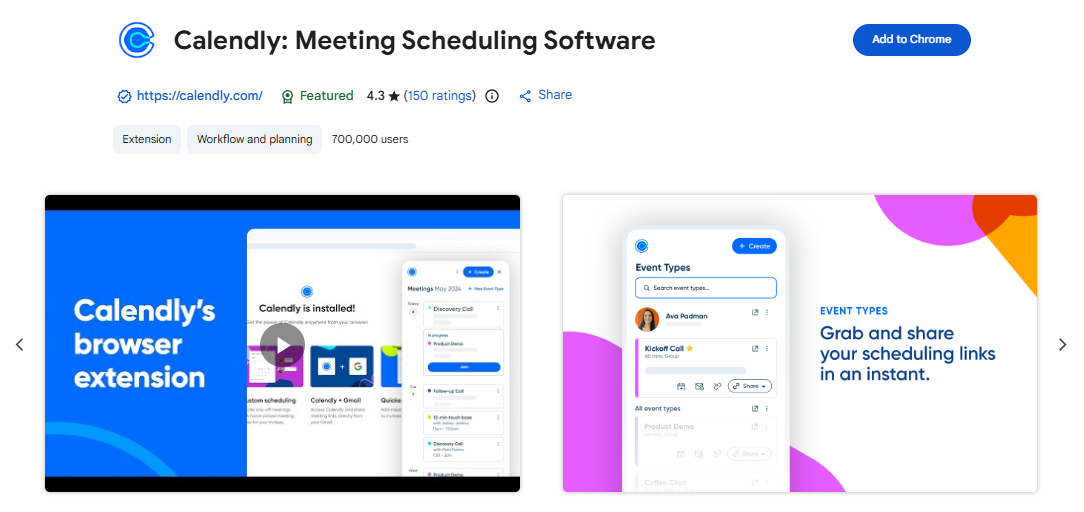
It is a simple tool that helps you schedule meetings without sending a million emails. You just set your available hours and share a link. People pick a time that works for them, and it syncs with your calendar automatically. It saves you from the endless back-and-forth and keeps your calendar organized.
Key Features
-
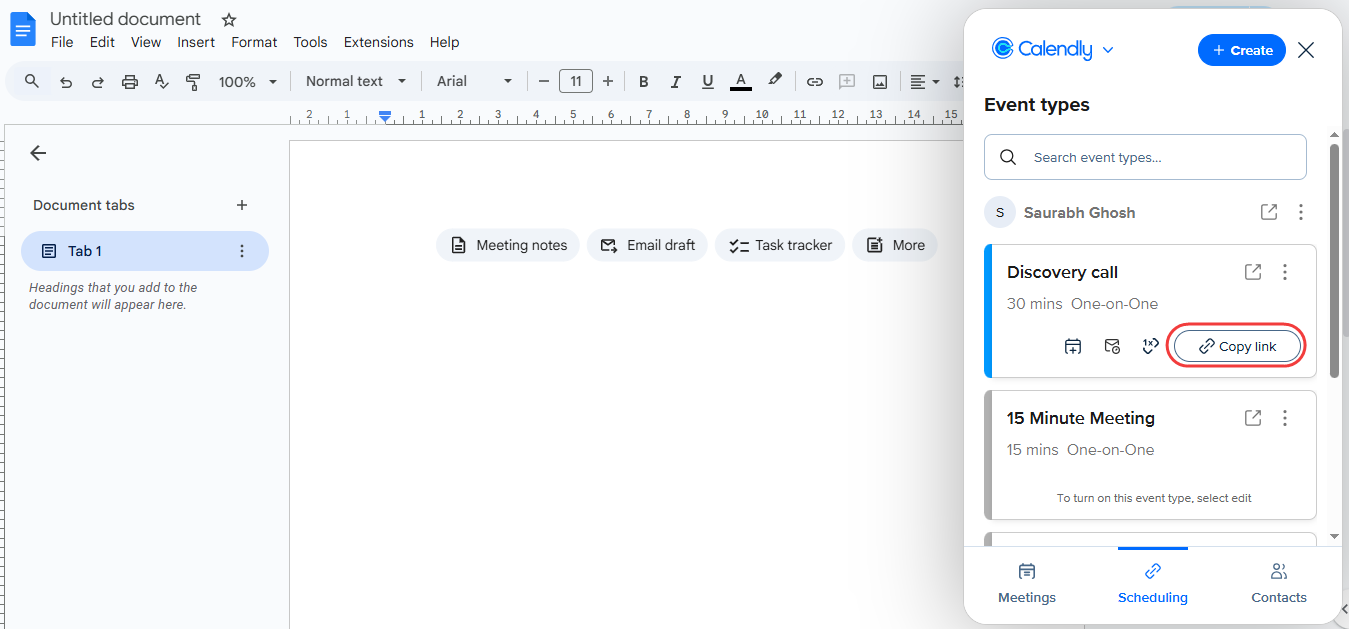
Automated Scheduling Links: You just send a link to people. They see when you are free and pick a slot. It connects straight to your Google or Outlook calendar, so you never get double-booked. It completely kills the game of "email tag."
-
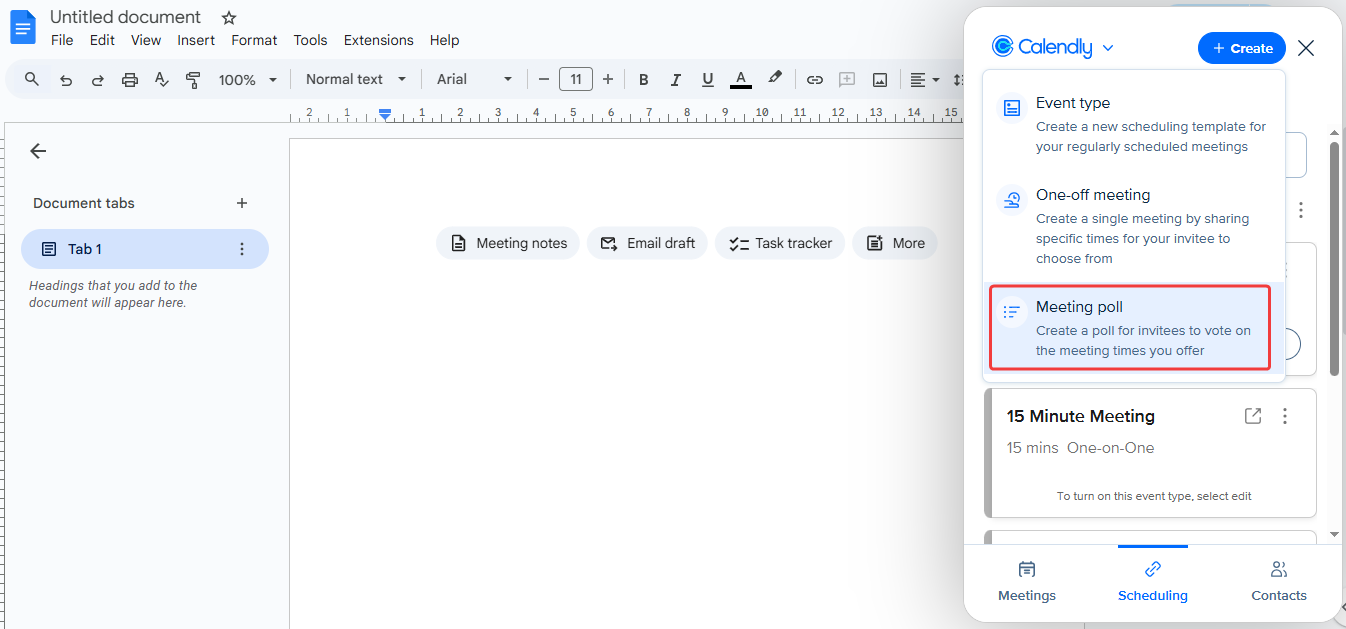
Meeting Polls: Trying to get five people in a room at the same time is a nightmare. This feature lets you send a poll to everyone. They vote on the times that work best for them, and you pick the winner. It makes scheduling group calls super easy.
-
Workflow Automations: People forget meetings. Calendly doesn't. It automatically sends confirmation emails and text message reminders to your guests before the call. This reduces "no-shows" and ensures people actually show up on time.
Pricing
Calendly has a great free basic plan that works well for most individuals. If you need more advanced features like multiple event types, paid plans start at $10 per user/month.
Get the Extension
Ready to stop the endless back-and-forth emails? You can get the Calendly extension from the Chrome Web Store.
Loom
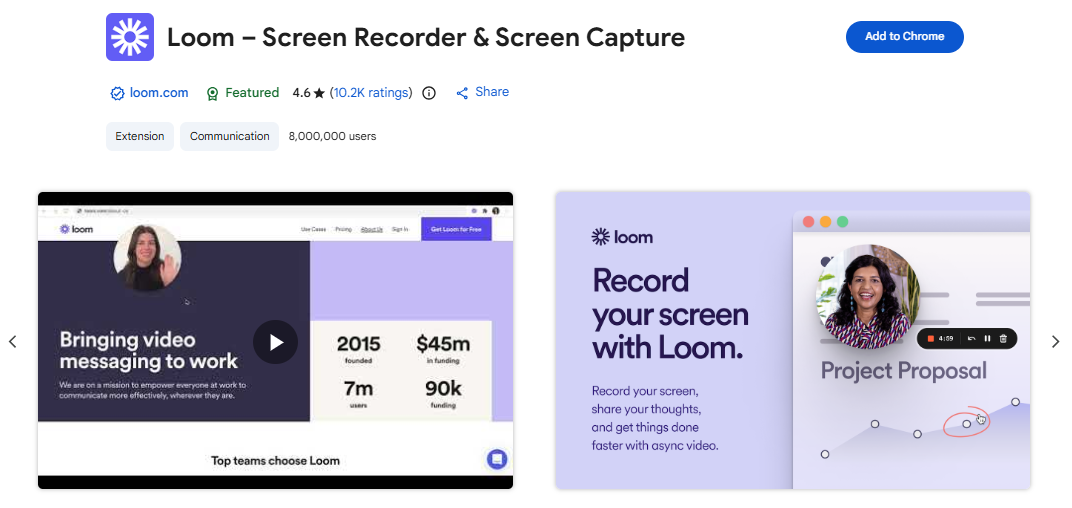
Typing out long explanations is boring. Sometimes, showing is better than telling.
Loom helps you do exactly that.
It is a video messaging tool built for work. Instead of typing a long email or scheduling a meeting, you can record your screen and your voice at the same time. It is perfect for giving feedback, explaining a bug, or just saying hello to your team. It helps you communicate faster and more clearly.
Key Features
-
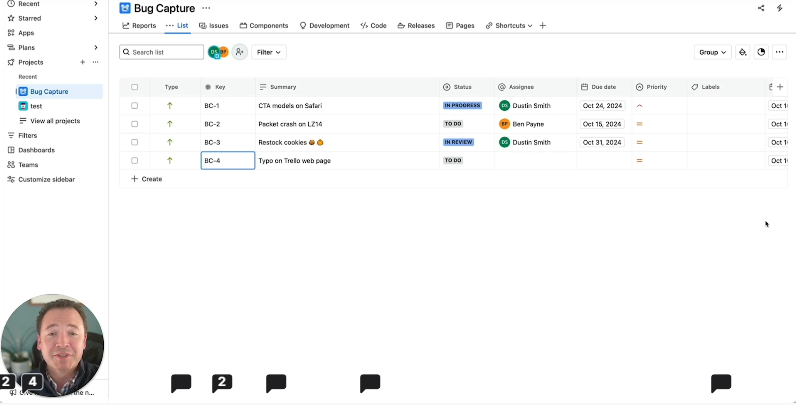
Screen & Cam Recording: You don't have to choose between showing your face or your screen. Loom records both at once. You get a little bubble with your face while you show your screen. It makes your walkthroughs feel personal and human.
-
Instant Link Sharing: This is the best part. The moment you hit "Stop," your video is ready. You don't have to wait for it to upload or process. It automatically copies a link to your clipboard so you can paste it into an email or Slack message right away.
-
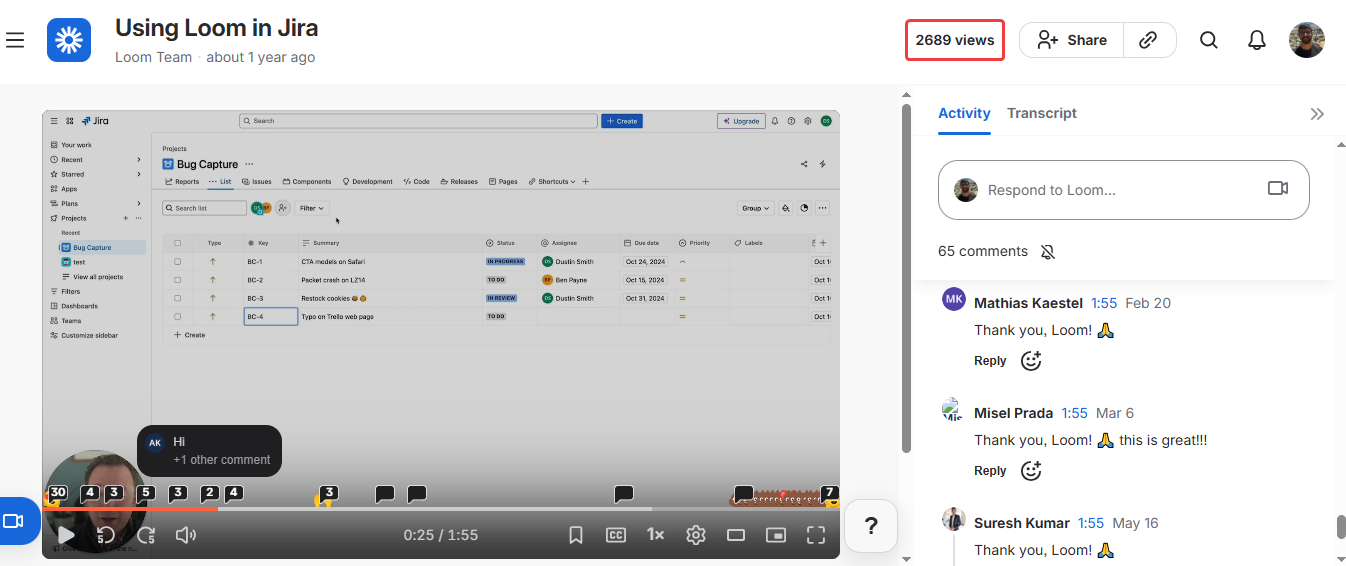
Engagement Insights: Ever wonder if anyone actually watched your video? Loom tells you. You can see who watched it, how long they watched, and even where they clicked. It helps you know if your message actually got through.
Pricing
Loom offers a free plan that lets you record up to 25 videos (with a 5-minute limit per video). If you need unlimited recording time, paid plans start at $15 per user/month.
Get the Extension
Ready to explain things faster with video? You can get the Loom extension from the Chrome Web Store.
Apollo
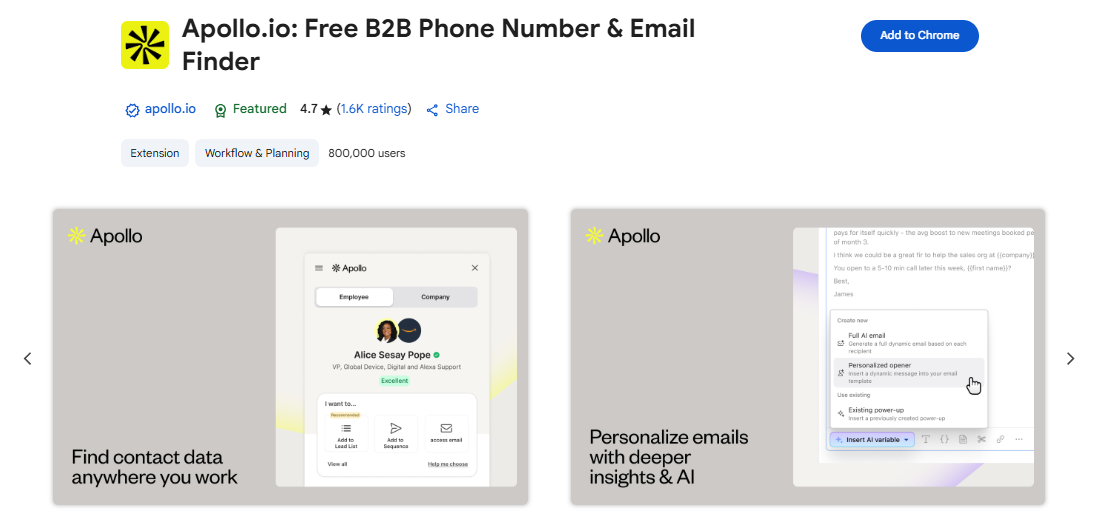
Finding new customers is hard work. You see a great prospect on LinkedIn, but you don't have their email or phone number. You are stuck.
Apollo solves this problem instantly.
It is a powerful sales tool that lives right in your browser. It helps you find verified contact details for almost anyone on LinkedIn. Instead of spending hours guessing emails, you get the right data in seconds. It turns your browser into a lead-generation machine.
Key Features
-
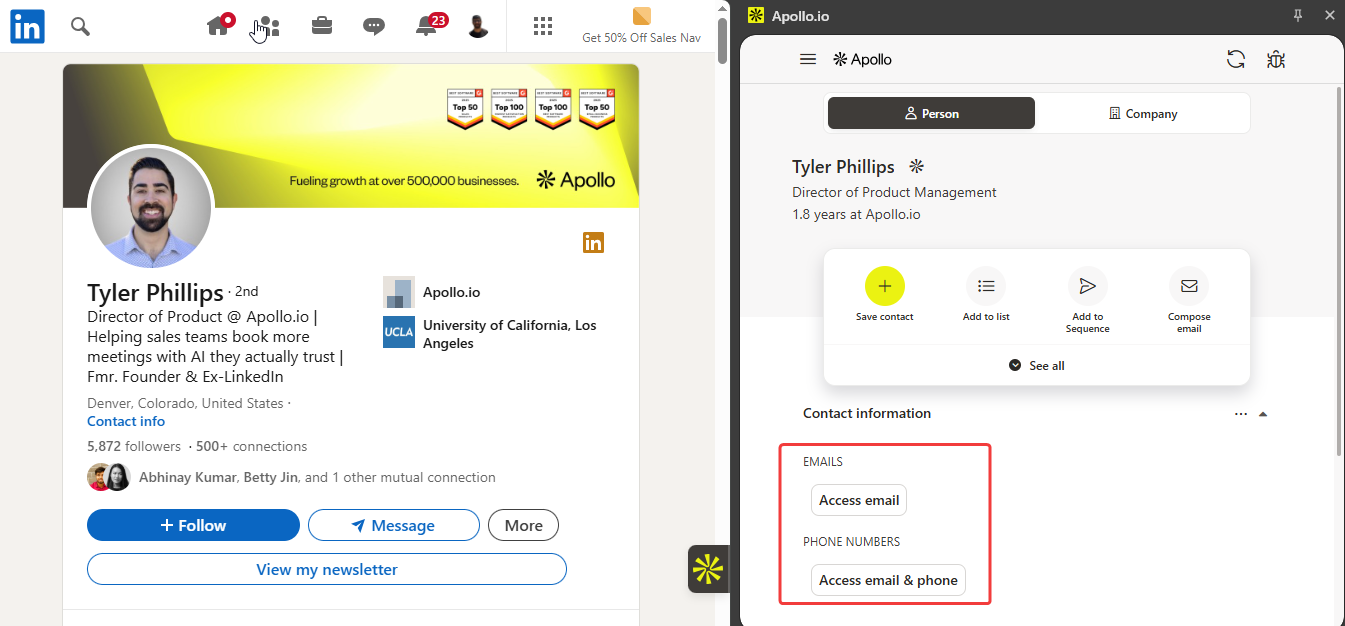
LinkedIn Prospecting: You visit a profile on LinkedIn, and Apollo shows you their verified email address and phone number right there. It saves you from digging around the internet for contact info. You get the data you need to reach out immediately.
-
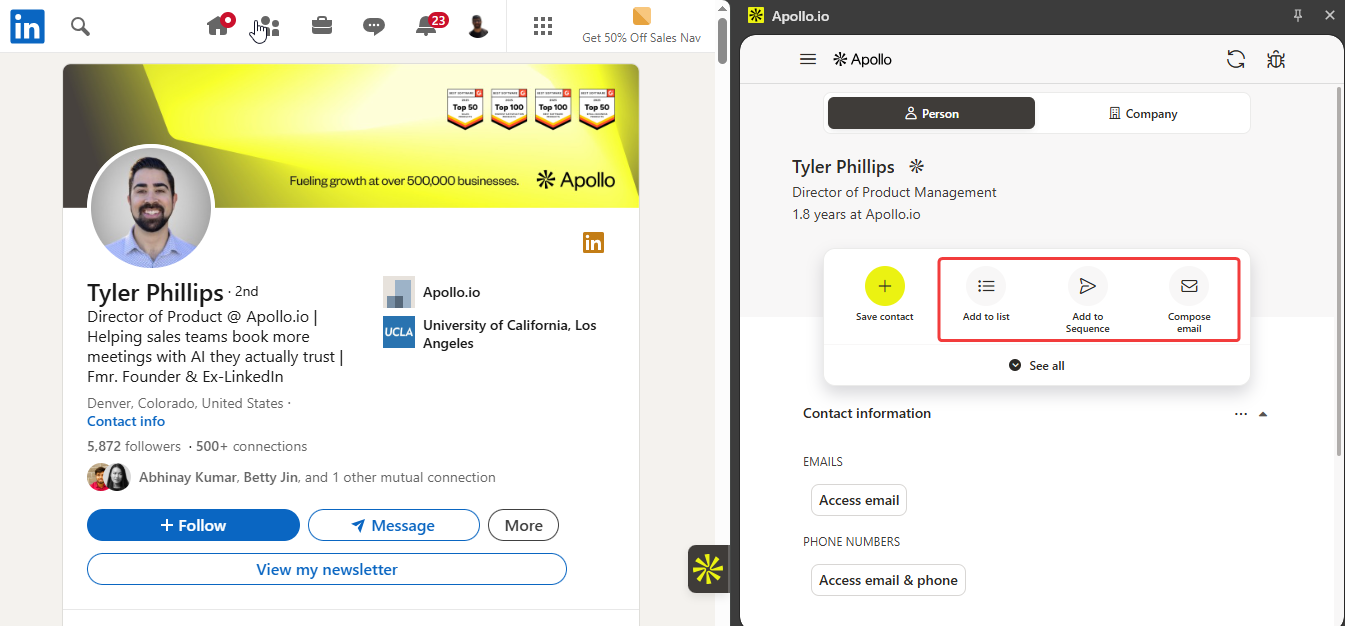
One-Click Sequence: Finding the lead is just the first step. You need to contact them. With Apollo, you can add a contact directly to an automated email campaign (sequence) with just one click. You can start the sales conversation without even leaving the page.
-
CRM Sync: Nobody likes typing data manually. Apollo connects with tools like Salesforce and HubSpot. When you find a contact, it automatically pushes their details into your CRM. It keeps your records updated and clean without any extra effort.
Pricing
Apollo offers a free plan that gives you a limited number of credits to find emails. If you need more data, paid plans start at $49 per user/month.
Get the Extension
Ready to find your next customer? It is easy. You can get the Apollo extension from the Chrome Web Store.
Fathom
Taking notes during a meeting is distracting. You miss what people are saying because you are too busy typing.
Fathom fixes this.
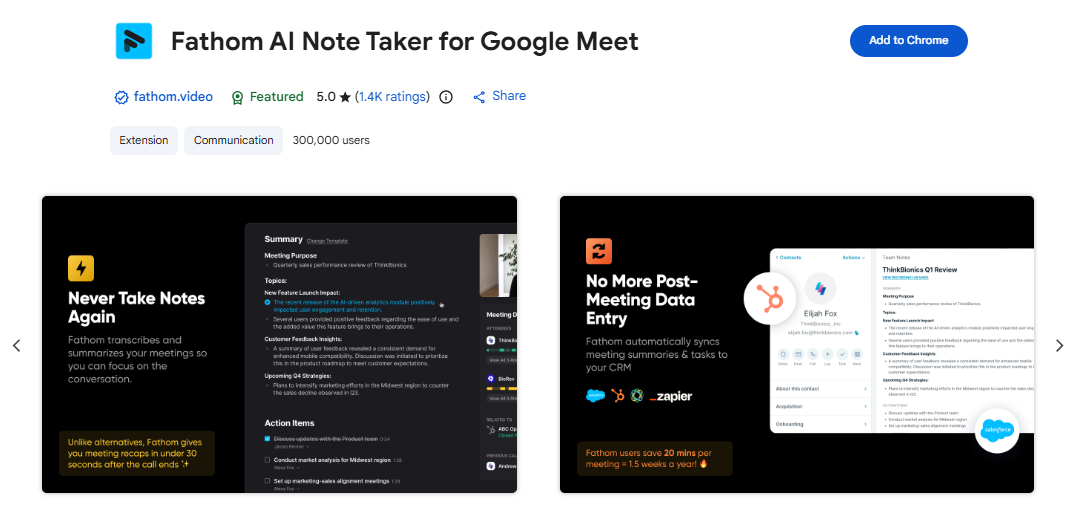
It is an AI meeting assistant that joins your video calls. It records everything and takes smart notes for you. It works perfectly with Zoom, Google Meet, and Microsoft Teams. This lets you focus 100% on the conversation, not on your notebook.
Key Features
-
Auto-Transcription: It records and types out everything said in your calls. You don't need to worry about missing a detail. You can even click a button during the call to highlight important moments instantly.
-
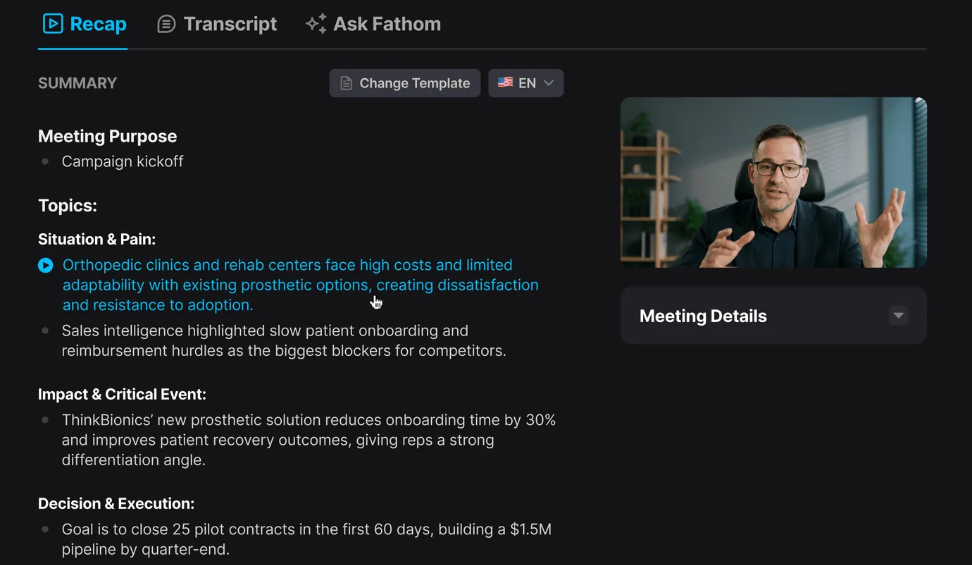
Instant Summaries: You don't have to re-listen to the whole recording. As soon as the meeting ends, Fathom gives you a short, clear AI summary. It also lists all the "Action Items" so you know exactly what to do next.
-
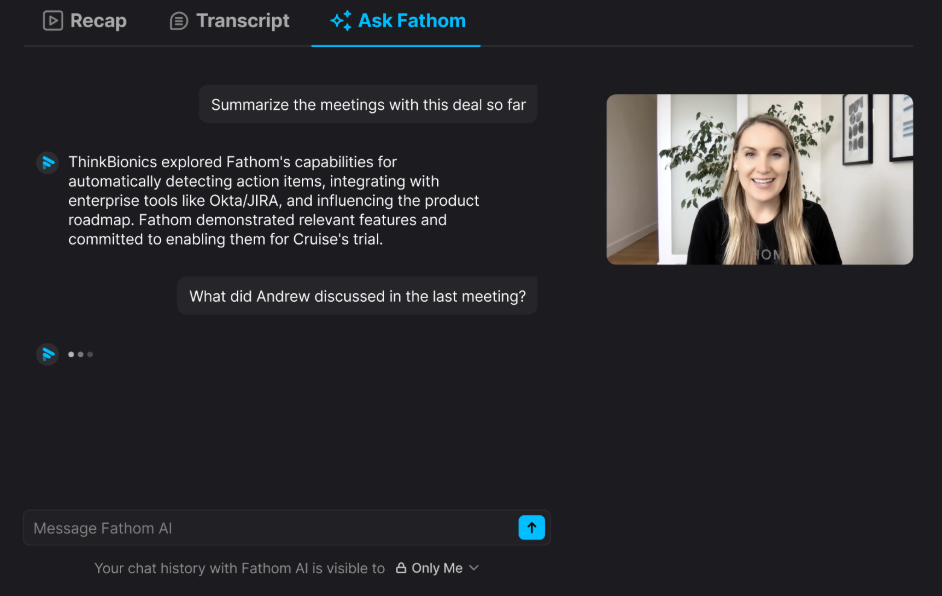
Ask Fathom: It works like a smart assistant for your recording. You can type questions like, "Did we agree on a budget?" or "What are the next steps?" It instantly finds the answer in the meeting so you don't have to listen to the whole thing again.
-
CRM Integration: If you work in sales, you will love this. It sends your call notes and summaries directly to your CRM (like HubSpot, Salesforce, or Close). It keeps your customer data updated automatically without you lifting a finger.
Pricing
Fathom has an amazing free edition that is perfect for individuals. It covers almost everything you need. For advanced team features, the paid plans start at $16 per user/month.
Get the Extension
Ready to stop taking messy notes? You can get the Fathom extension from the Chrome Web Store.
SimilarWeb
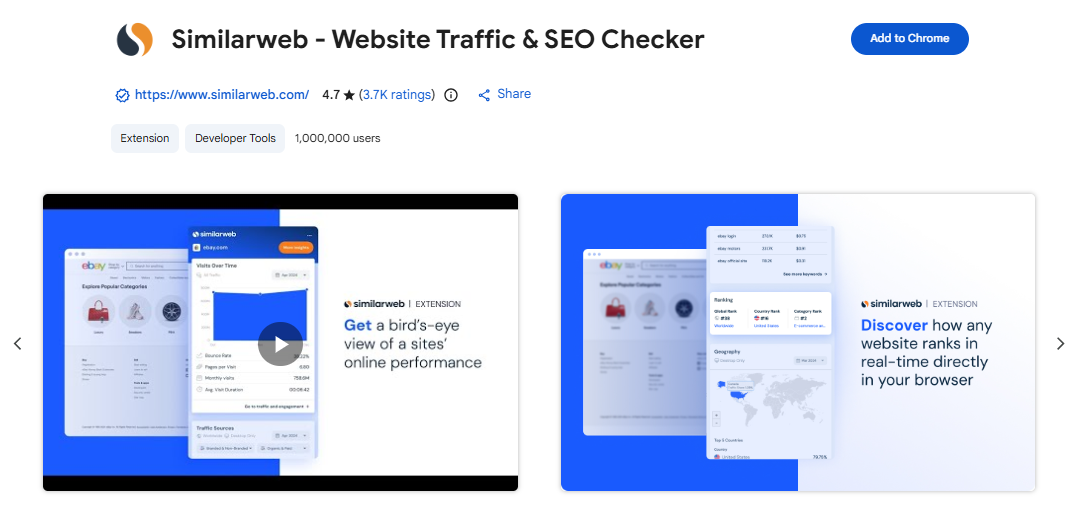
Ever wonder how much traffic your competitor actually gets? You can't just ask them. But you can use SimilarWeb.
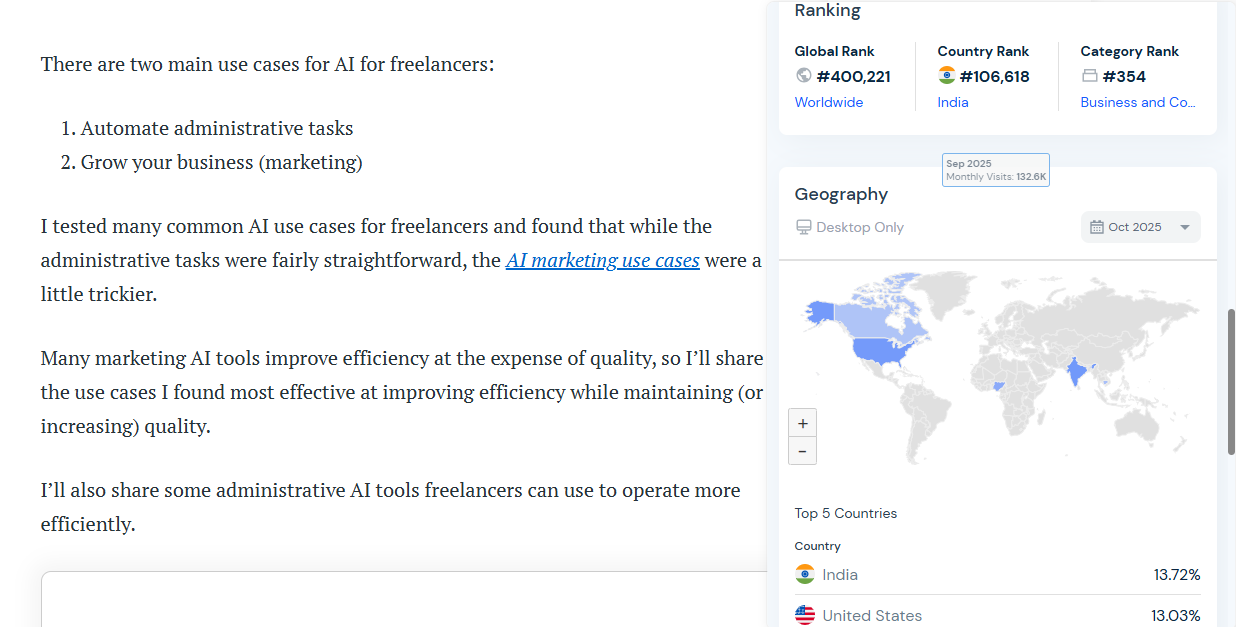
It is like X-ray vision for the internet. It shows you the hidden data behind any website you visit. You can see how popular a site is and where its visitors come from. It takes the guesswork out of market research.
Key Features
-
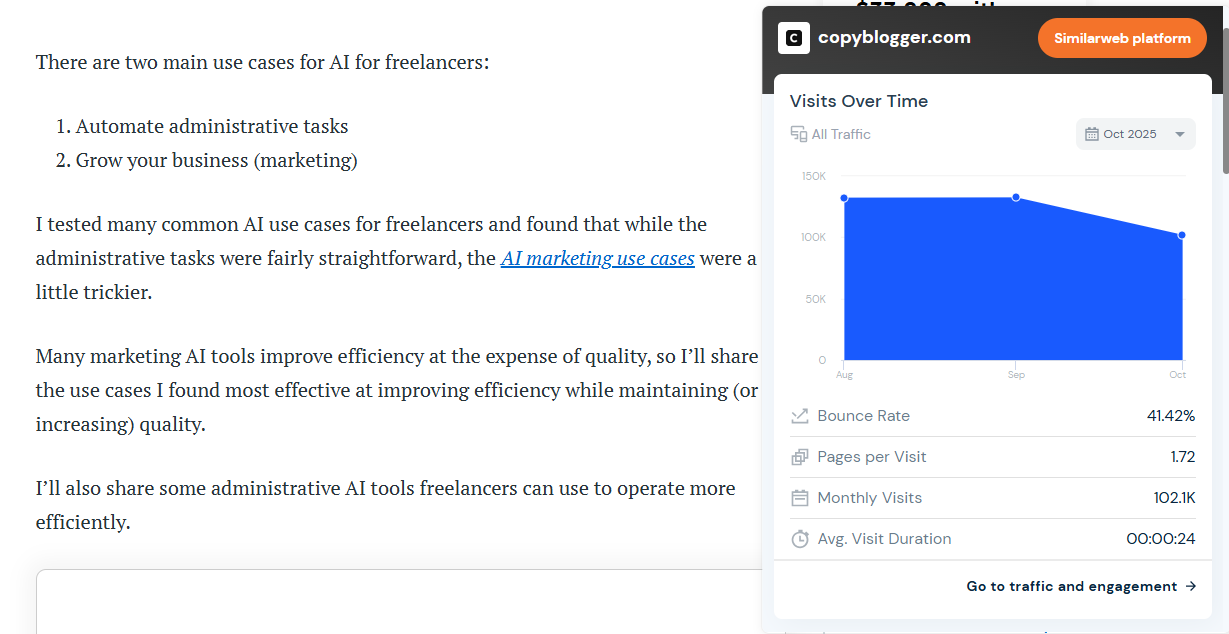
Traffic Overview: You can instantly see the estimated monthly traffic for any site. It also shows engagement stats, like how long people stay on the page and the "bounce rate" (how fast they leave).
-
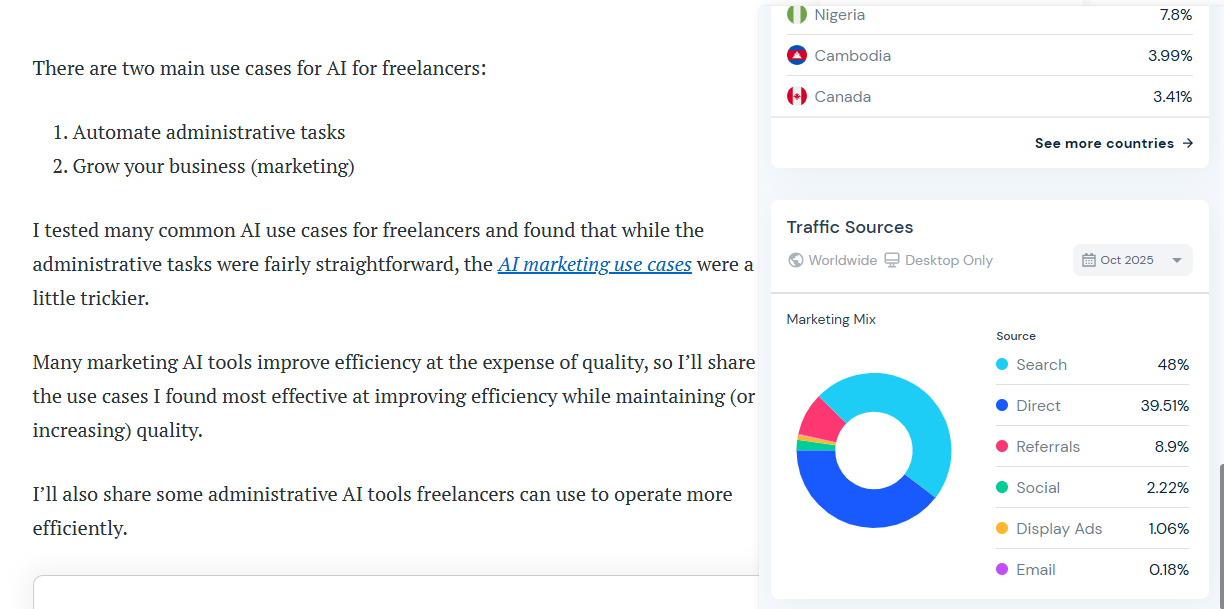
Traffic Sources: Where are the visitors coming from? Are they typing the URL directly, finding it on Google, or coming from social media? This feature tells you exactly which marketing channels are working for them.
-
Global Ranking: It ranks every website in the world. You can check a site's global rank, country rank, and category rank. It is the perfect way to see how you stack up against the big players.
Pricing
The free extension gives you a good overview with limited data. If you need deep professional insights, the paid plans start at $125 per month.
Get the Extension
Ready to spy on the competition? You can get the SimilarWeb extension from the Chrome Web Store.
Notion Web Clipper
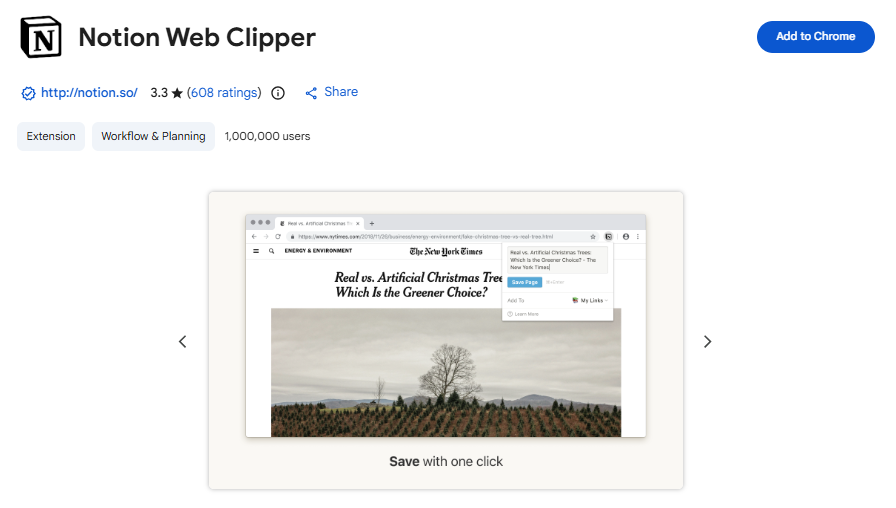
You find a great article online. You want to read it later, but keeping 50 tabs open is a bad idea.
Notion Web Clipper is the solution.
It lets you save any web page directly into your Notion workspace. It is the perfect tool for building a personal library of ideas, research, and inspiration. It doesn't just save the link; it saves the content. It keeps your digital life organized.
Key Features
-
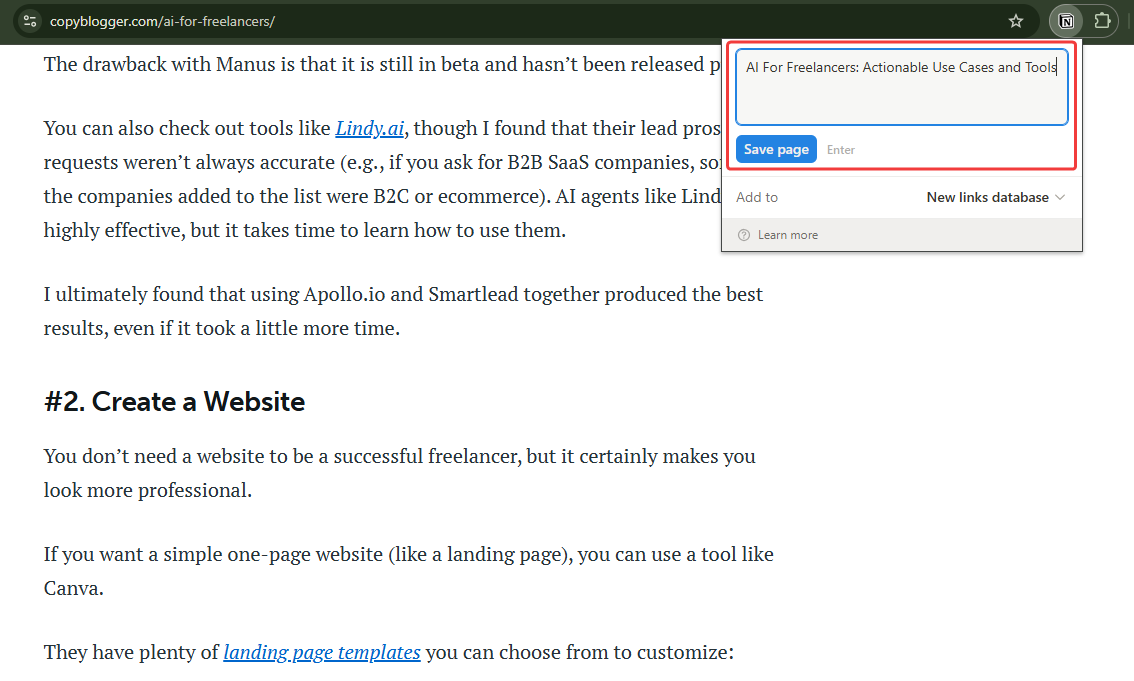
One-Click Save: See something you like? Just click the button. It instantly saves the article, research paper, or website to your Notion. You don't need to copy and paste anything manually.
-
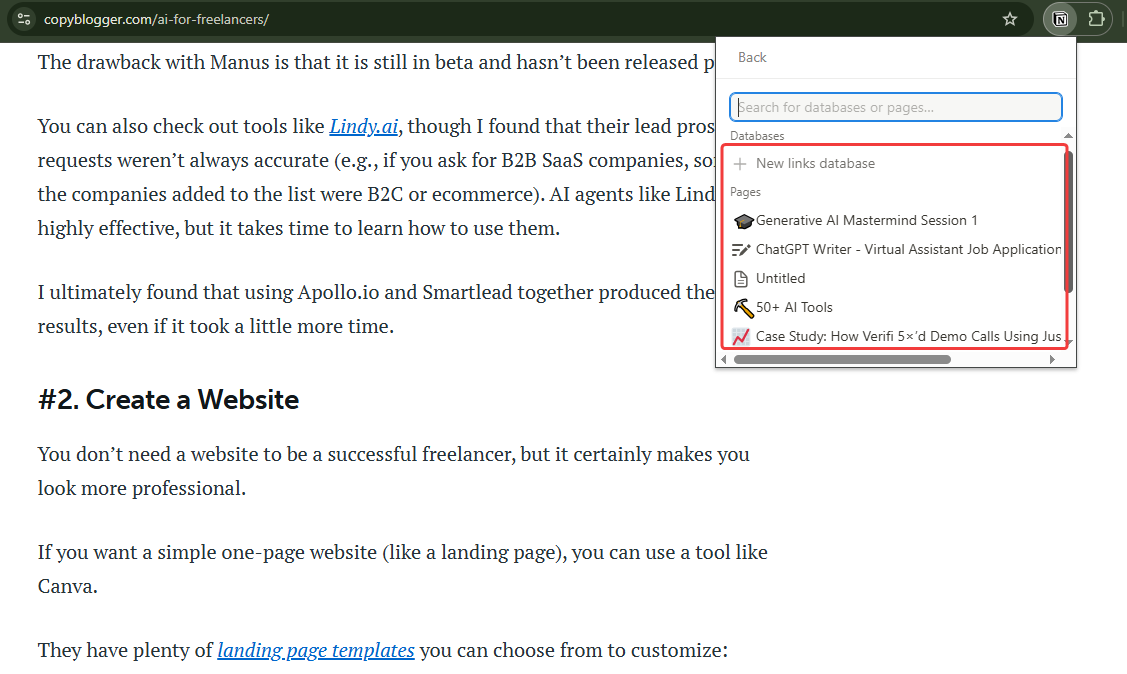
Database Organization: You don't want to just dump things into a pile. You can choose exactly where the page goes. You can pick the specific database or page in Notion so everything stays neat and tidy.
-
Clean Formatting: Websites are often full of ads and pop-ups. This tool strips all that clutter away. It saves only the clean text and images, making it much easier for you to read later.
Pricing
It is completely free.
Get the Extension
Ready to organize your reading list? It is simple. You can get the Notion Web Clipper extension from the Chrome Web Store.
Toggl Track
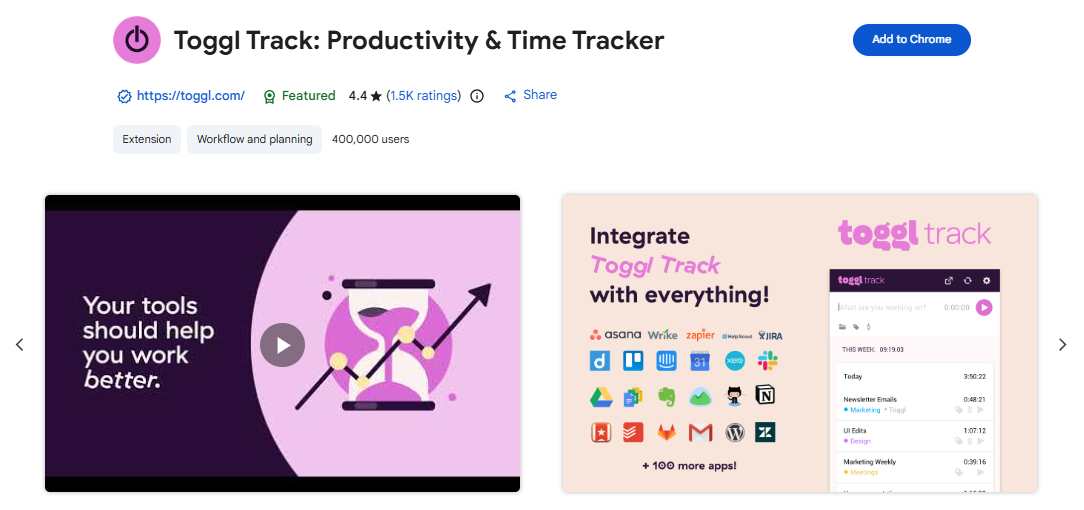
Do you ever get to the end of the day and wonder, "Where did all my time go?" It happens to all of us.
Toggl Track helps you find the answer.
It is a simple timer that tracks exactly how long you spend on different tasks. It helps you see where you are wasting time so you can be more productive. It keeps you honest about your work without being complicated.
Key Features
-
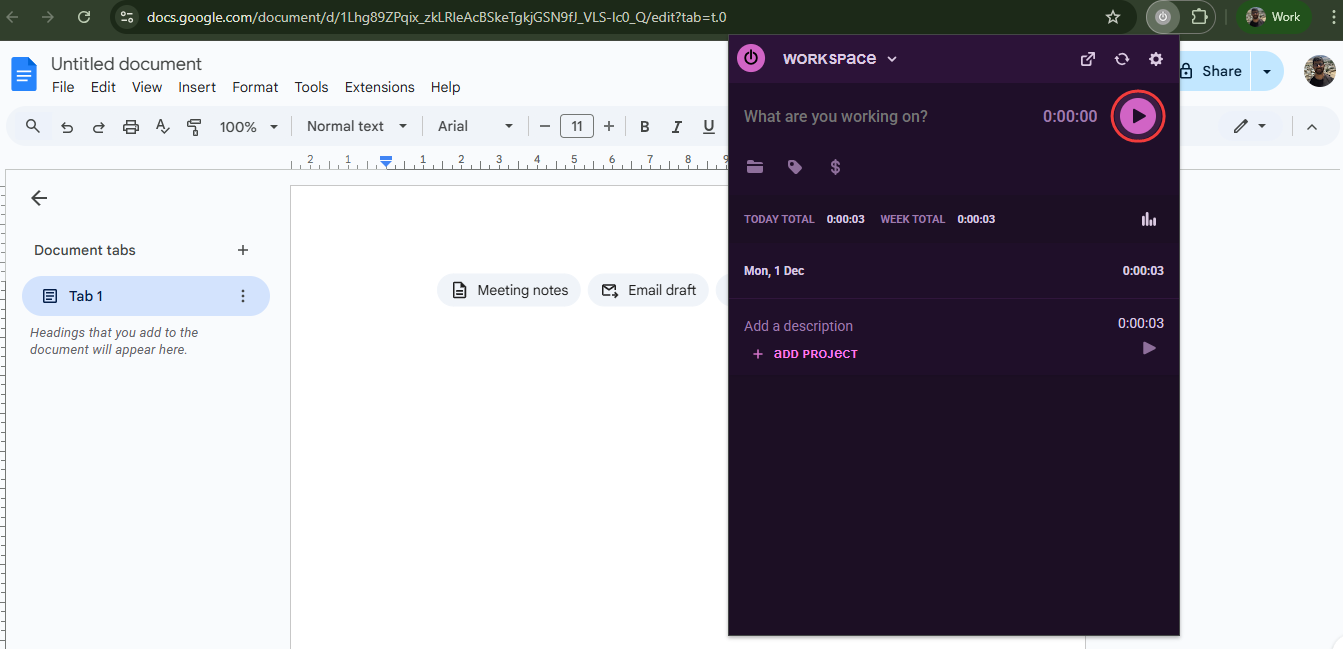
One-Click Timer: You don't need to open a new tab to log your hours. You just click the button in your browser toolbar to start or stop the timer. It is fast and stays out of your way.
-
Idle Detection: Sometimes you walk away from your desk and forget to stop the timer. This feature notices when you are not active. It reminds you to fix the time so your records stay accurate.
-
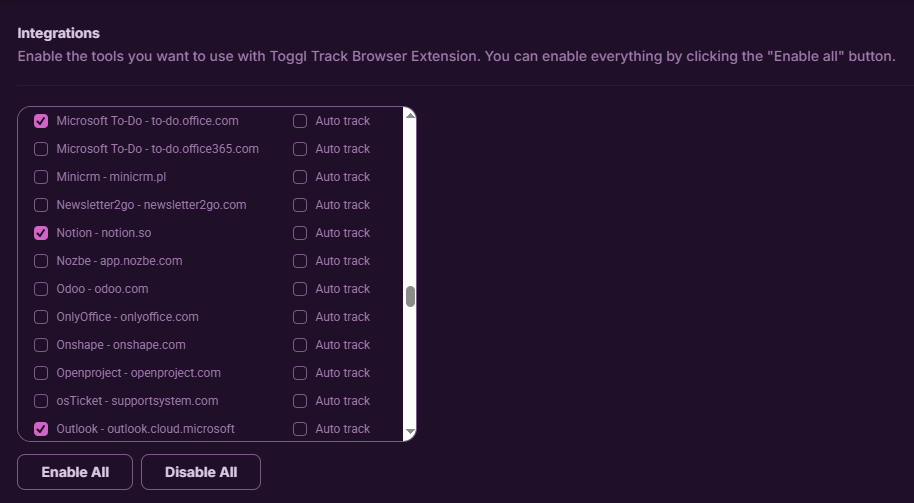
Integrations: It works where you work. It adds a "Start Timer" button inside over 100 other popular tools like Trello, Asana, Jira, and Slack. You can track time right inside your project management app.
Pricing
The free plan is great for small teams of up to 5 users. If you need more reporting features, the paid plans start at $9 per user/month.
Get the Extension
Ready to master your time? You can get the Toggl Track extension from the Chrome Web Store.
Conclusion
We just shared 8 amazing tools with you. But here is a pro tip: Don't install all of them at once.
If you add too many extensions, your browser will become messy and slow. That defeats the whole purpose.
Instead, look at your workday. What is your biggest headache?
- Is it writing emails? Grab Jetwriter AI.
- Is it scheduling meetings? Get Calendly.
- Is it sales prospecting? Try Apollo.
Pick the 2 or 3 tools that solve your biggest bottlenecks right now. You can always add more later.
Give them a try today. You will wonder how you ever worked without them.
Frequently Asked Questions (FAQ)
Can I use multiple extensions at the same time?
Yes, you can. You can run many extensions together without issues. But be careful. If you install too many, your browser might get slow and cluttered. Our advice is simple: only install the ones you actually require. Keep your browser clean and fast.
Are these extensions safe to use?
We only picked tools from the official Chrome Web Store. This means Google has reviewed them for safety. Most of these are well-known companies with high security standards. However, it is always a good idea to check the reviews and privacy policy before installing anything new.
How do I remove an extension if I don't like it?
It is super easy. If you don’t need a tool or a tool isn't working for you, just right-click on its little icon in your browser toolbar. Then, select "Remove from Chrome." It will be deleted instantly.
Which extension is the best one for a solo founder?
It really depends on your biggest daily struggle. There is no single "best" tool for everyone. If you need to find more customers, Apollo is your best bet for leads. If you often lose track of where your day went, Toggl Track will help you manage your time. If you are drowning in emails and messages, Jetwriter AI is the best choice to clear your inbox. Identify your biggest bottleneck, and pick the tool that fixes it.